 iTube Downloader
iTube APK: YouTube Video & Music Downloader for Android
Download YouTube videos while you watch, play music in the background with the screen off, and skip pre-video ads. Free, simple and private.
Install iTube APK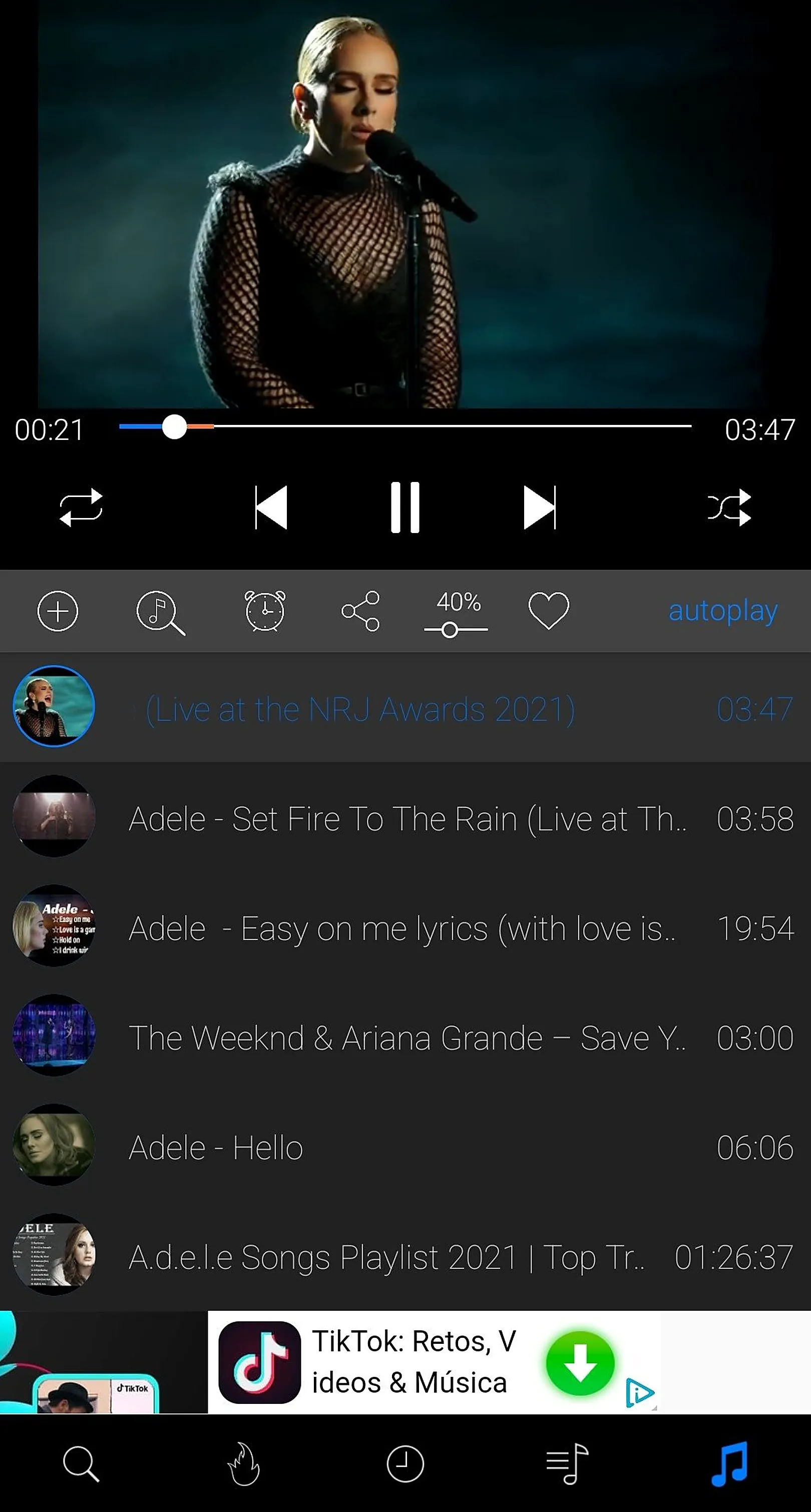

Absolutely free
No ads before video
Skip pre-roll ads and start watching instantly.Background playing
Keep music playing with the screen off or in other apps.Works without internet
Download once, watch offline anywhere.What is iTube?
iTube is a free Android app for people who want more from YouTube. It lets you download videos and music while you watch, play audio in the background with the screen off, and skip the ads that play before videos. Because it saves content to your device, it also works without internet, saves mobile data and is easy on your battery.
iTube is installed from an APK file. Get the latest file from the official iTube download page, then follow the quick installation guide.
| App name | iTube (iTube Downloader) |
|---|---|
| Category | Video & music downloader / background player |
| Platform | Android (APK) |
| File size | 10 MB |
| Price | Free |
| Official site | itubedownloader.com |
See iTube in action
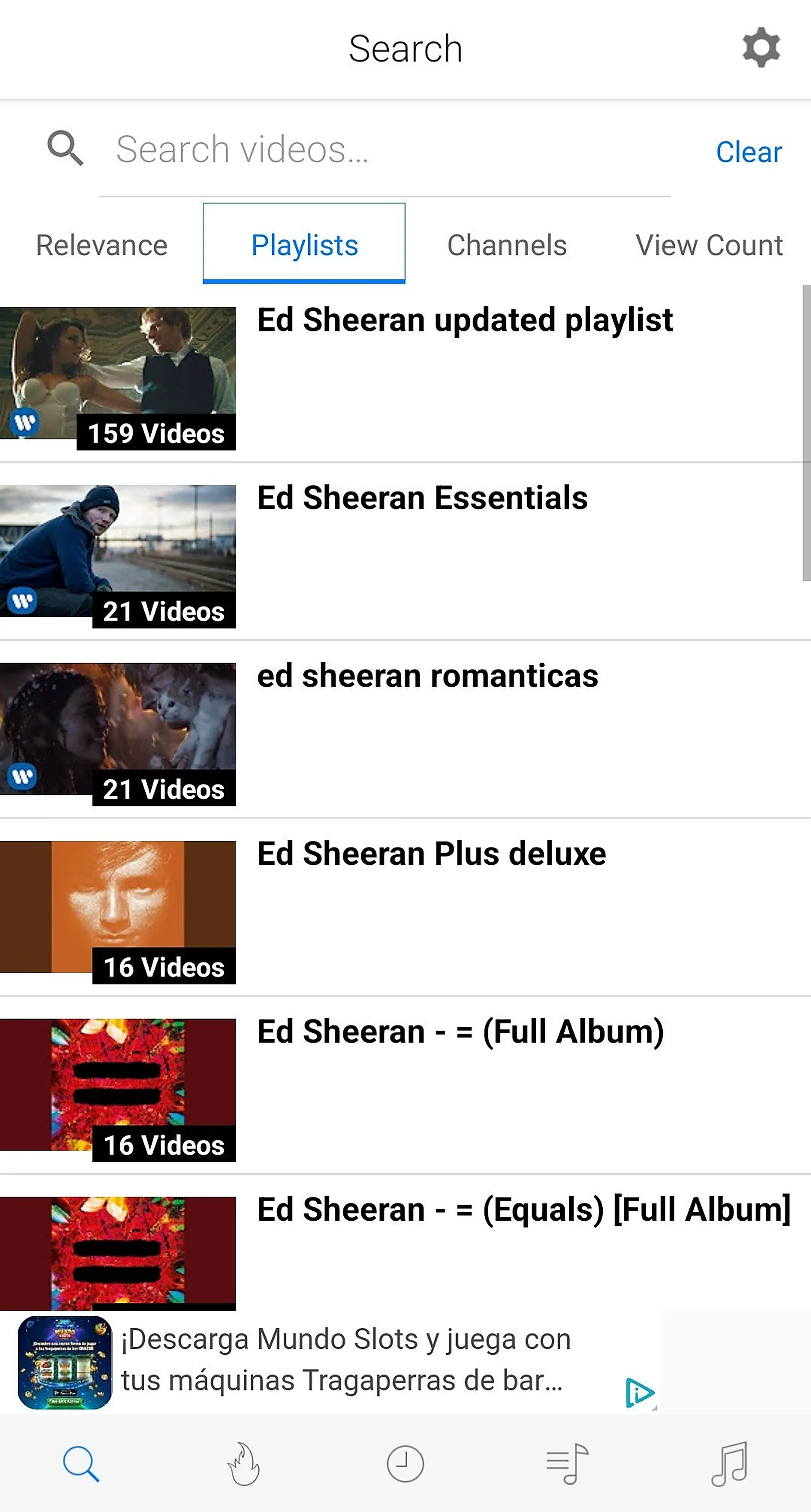
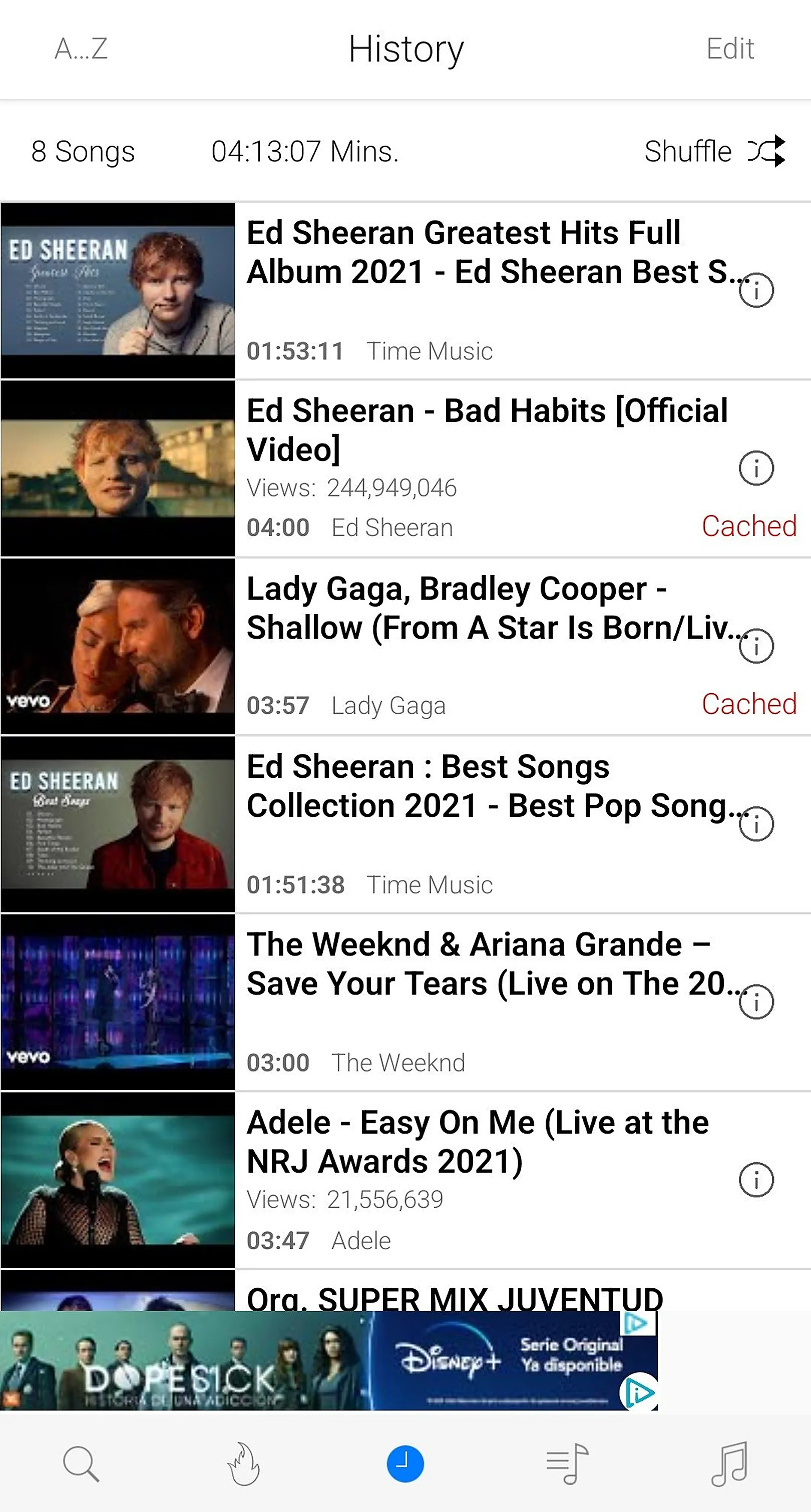
Real screenshots of the iTube Android app: search, player, playlists, Music Stories and the offline library.

Everything you need from a YouTube downloader
Download while watching
Save videos and music without leaving the player. Pick the quality that suits your storage.
Background player
Lock-screen and notification controls, audio-first listening and playlists for every mood.
MP3 & M4A audio
Extract the audio track of a video and build an offline music library.
Offline library
Sort, group into playlists and delete downloads to manage your phone’s storage.
Saves data & battery
Download on Wi-Fi, then watch offline. No streaming means less data and less battery drain.
Privacy guaranteed
No private data collected and no push or notification ads.
How to download iTube APK in 4 steps
- Tap Download. Press the red Install iTube APK button on this site.
- Allow installs. When Android asks, allow installs from your browser or file manager.
- Install. Open the APK and tap Install.
- Start saving. Search a video, tap download, and enjoy it offline.
Need details? Read the full installation guide.
Privacy guaranteed
iTube requires a few permissions to download and play media, but it does not collect your private data and does not use push or notification ads. Read our safety checklist and privacy policy.
iTube Android: frequently asked questions
What is iTube?
iTube is a free Android app that lets you save YouTube videos and music to your phone, play audio in the background with the screen off, and watch videos without pre-roll ads. You install it from an APK file, so it works on most Android phones and tablets.
Is iTube free?
Yes. iTube is absolutely free to download and use. There are no subscriptions and no payment is required to save videos or play in the background.
Is iTube on Google Play?
No. Because iTube includes video and audio downloading, it is distributed as an APK from its own website rather than the Play Store. You download the APK from the official iTubeDownloader.com download page and install it manually.
How do I download iTube APK?
Open the download page, tap Download iTube APK, then open the file and allow installs from your browser or file manager when Android asks. The full steps are in our installation guide.
Can iTube play YouTube in the background?
Yes. Background playing is a core feature. Audio keeps playing when you switch apps or lock the screen, and you can control it from the lock screen and notification shade.
Can I convert YouTube videos to MP3 or M4A?
iTube can save the audio of a video as MP3 or M4A so you can listen offline. See our YouTube to MP3 guide for steps.
Latest from the blog
How to Download YouTube Videos on Android with iTube
Step-by-step guide to download YouTube videos on Android with the free iTube APK: install, pick a quality,…
How to Play YouTube in the Background on Android
Play YouTube music with the screen off on Android. Learn how iTube's background player works, with…
How to Install an APK on Android Safely
Learn how to install an APK file on any Android phone safely: enabling unknown sources, checking the file,…
Get iTube free for Android
Download YouTube videos and music, play in the background and skip ads. Free APK, no sign-up.
Download iTube APK