By default, YouTube stops playing when you lock your phone or switch apps unless you pay for a subscription. iTube is a free alternative that adds a background player so music and podcasts keep going.
What background playing does
Background playing keeps the audio running while you use other apps, lock the screen or put the phone in your pocket. It is perfect for music, podcasts, long interviews, lectures and workout playlists.
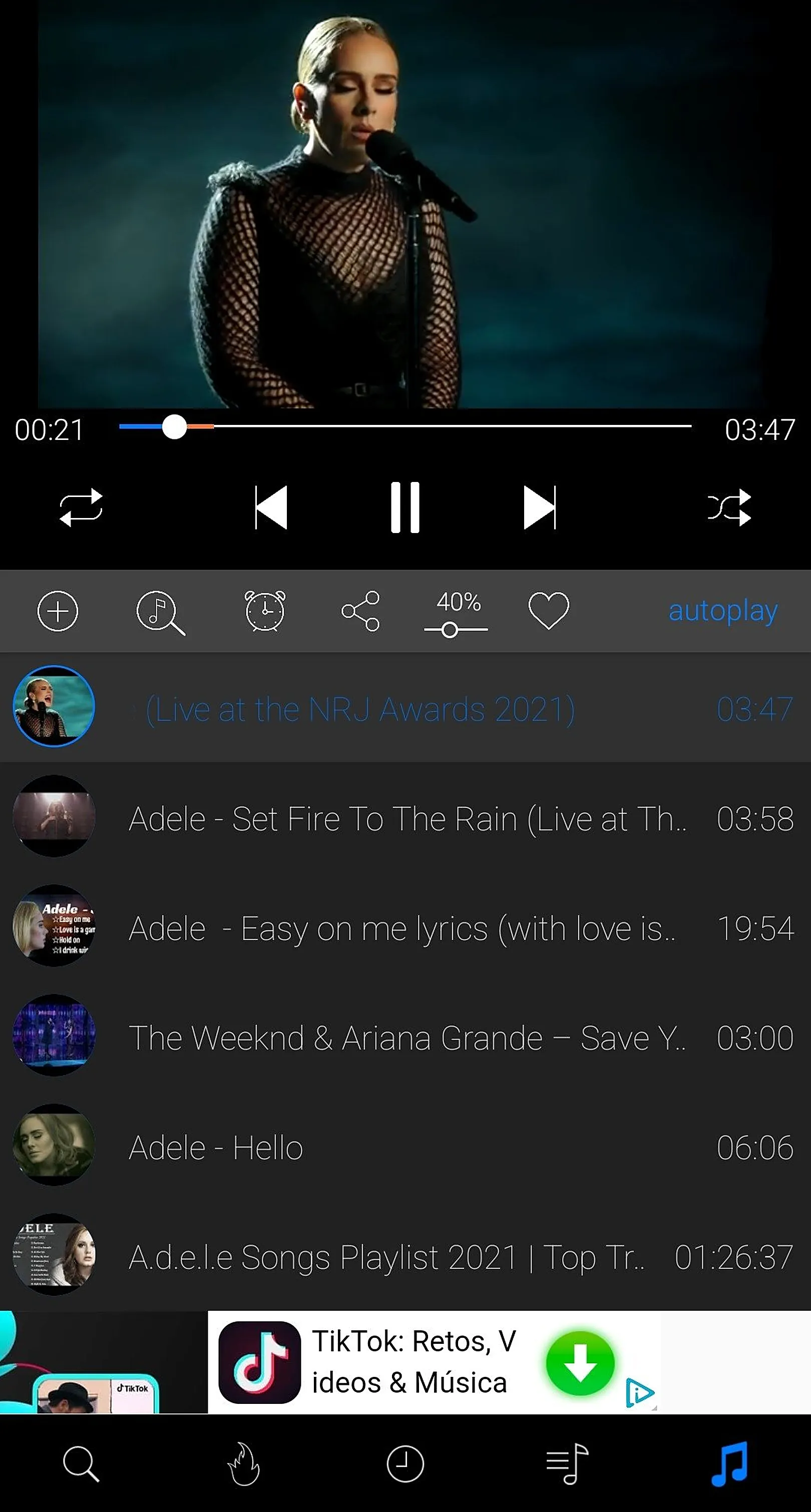
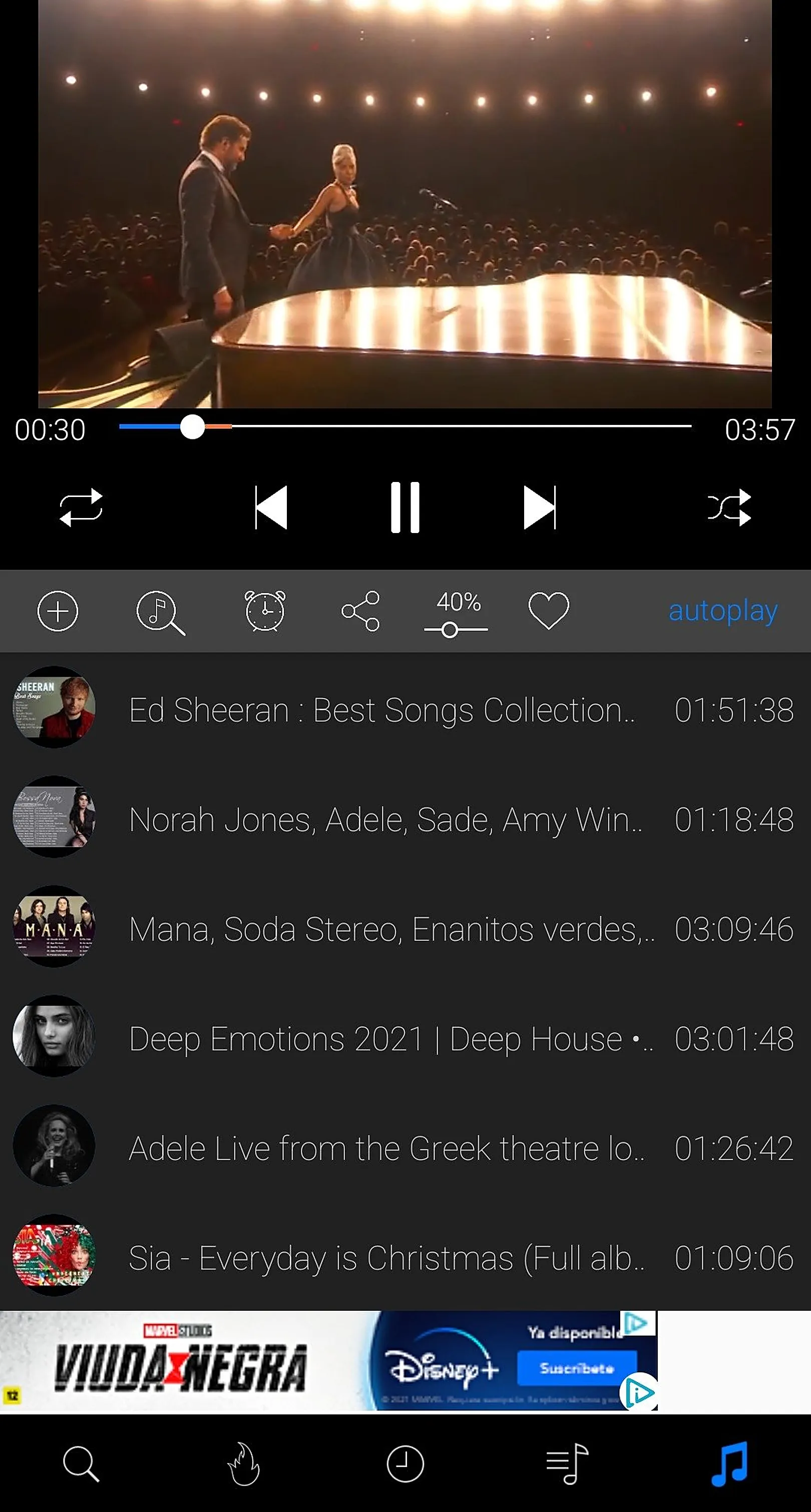
How to use iTube's background player
- Install iTube from the download page.
- Search for a song, mix or podcast and tap it to play.
- Press Home or lock the screen. The audio keeps playing.
- Use the lock-screen or notification controls to pause, skip or resume.
Why audio-first listening saves battery and data
When the screen is off and no video is rendering, the phone uses less power. Playing audio only also uses far less data than streaming video, which helps on limited mobile plans.
Combine it with offline downloads
For zero data use, download your favourite tracks first. They play in the background without any internet at all.
Tips
- Turn off battery optimisation for iTube if playback stops after a few minutes on your phone.
- Build playlists for the gym, commute and sleep.