Sometimes you only want the sound: a song, a podcast or a lecture. iTube can extract audio from a video and save it as MP3 or M4A, so you do not need a separate converter.
Only save audio you have the right to keep. Respect artists and copyright.
MP3 vs M4A: which should you choose?
| MP3 | Plays on virtually every device and car stereo. Great compatibility. |
|---|---|
| M4A | Usually better sound at a smaller file size. Great for phones. |
How to save audio
- Install iTube from the download page.
- Find the video and open it.
- Tap download and choose an audio format (MP3 or M4A).
- Find the track in your iTube library and play it offline.

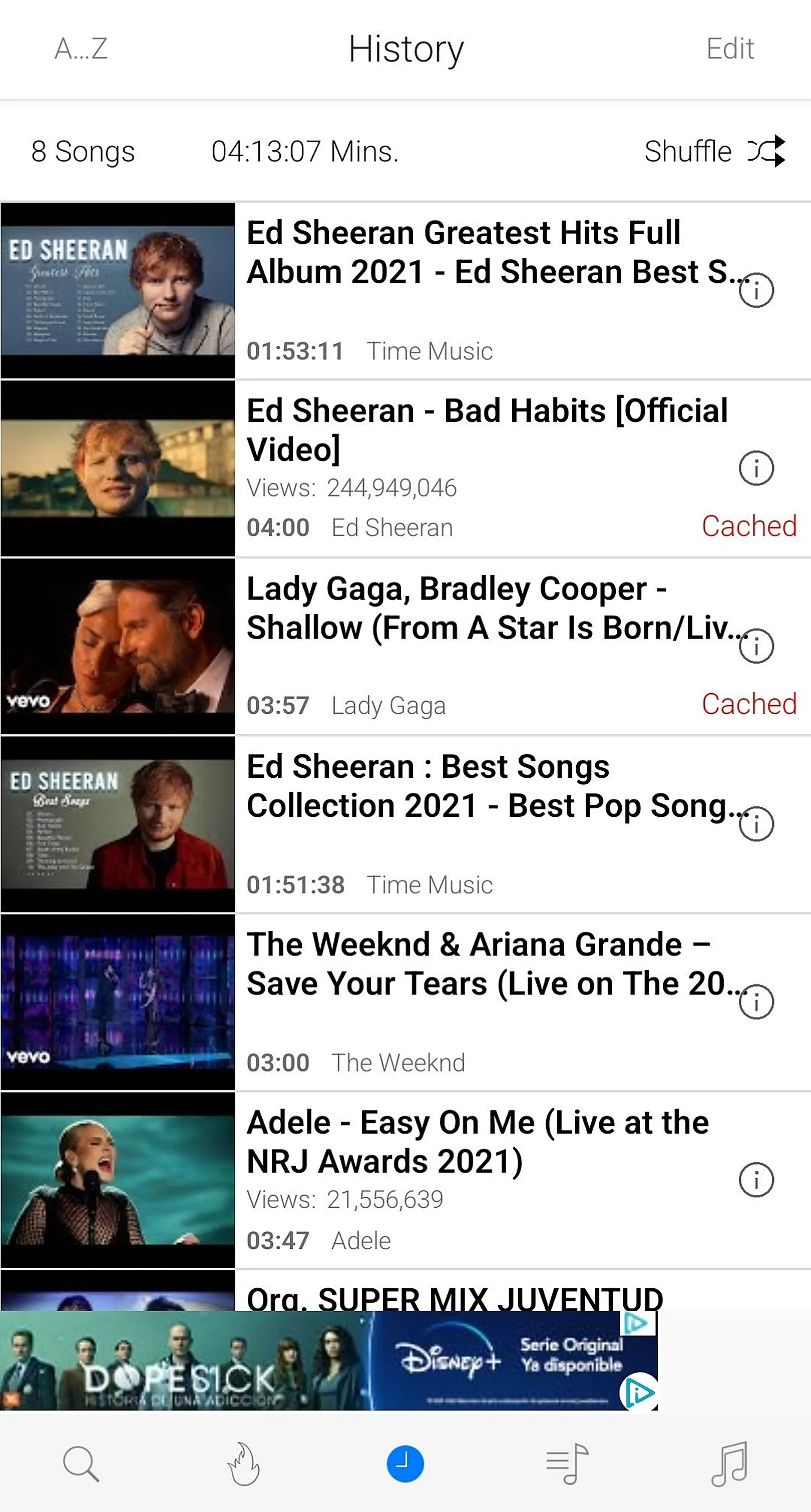
Build a music library
Group songs into playlists, sort them in the library and delete what you no longer need. Combined with the background player, you get a complete offline music app.