iTube Features: What the Android App Can Do
A complete look at iTube's downloader, background player and offline tools.
Download videos while you watch
Save a video while it plays, in the quality you choose, and keep it for offline viewing. No link copying and no extra converter app.
Background player
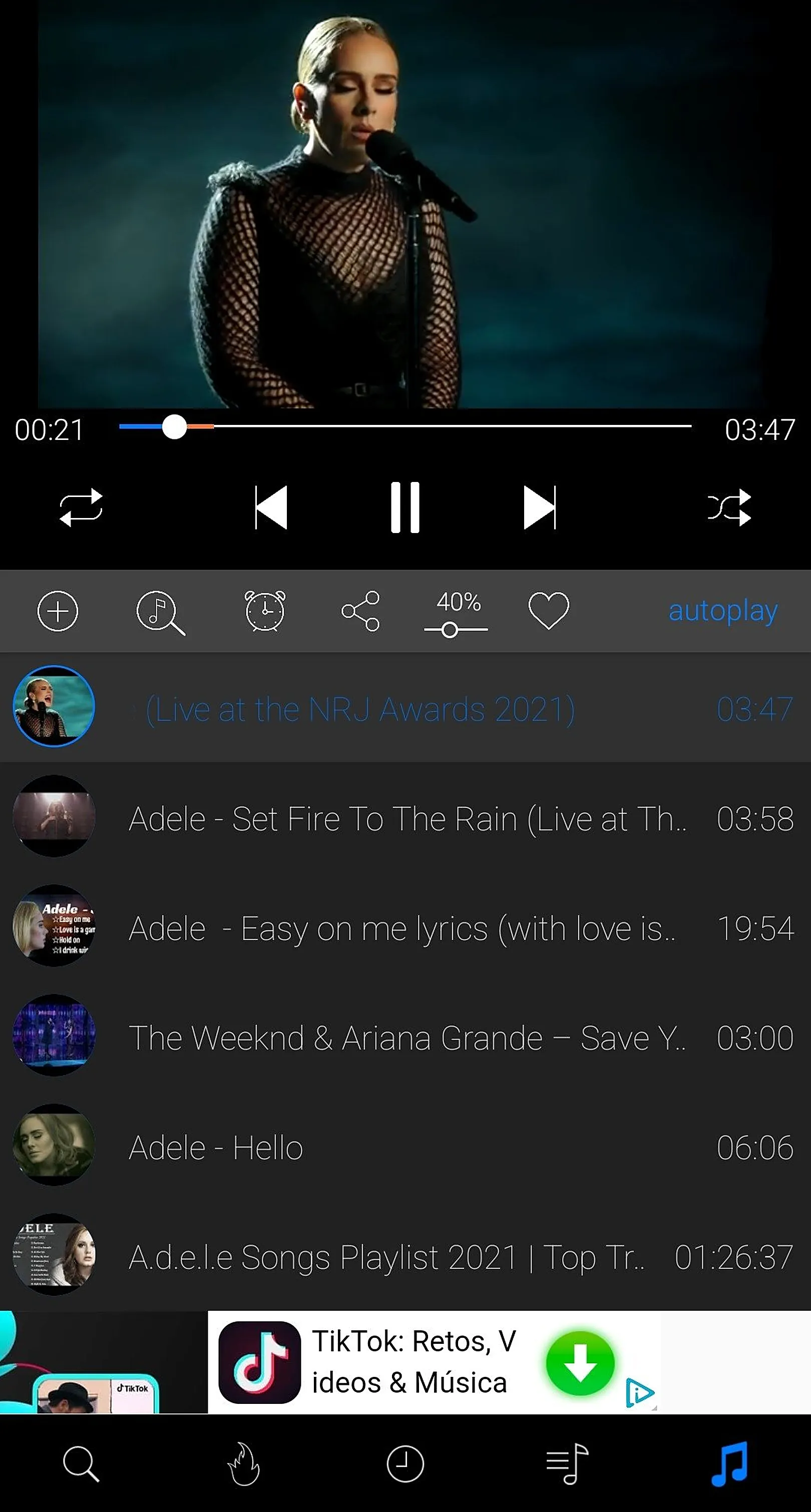
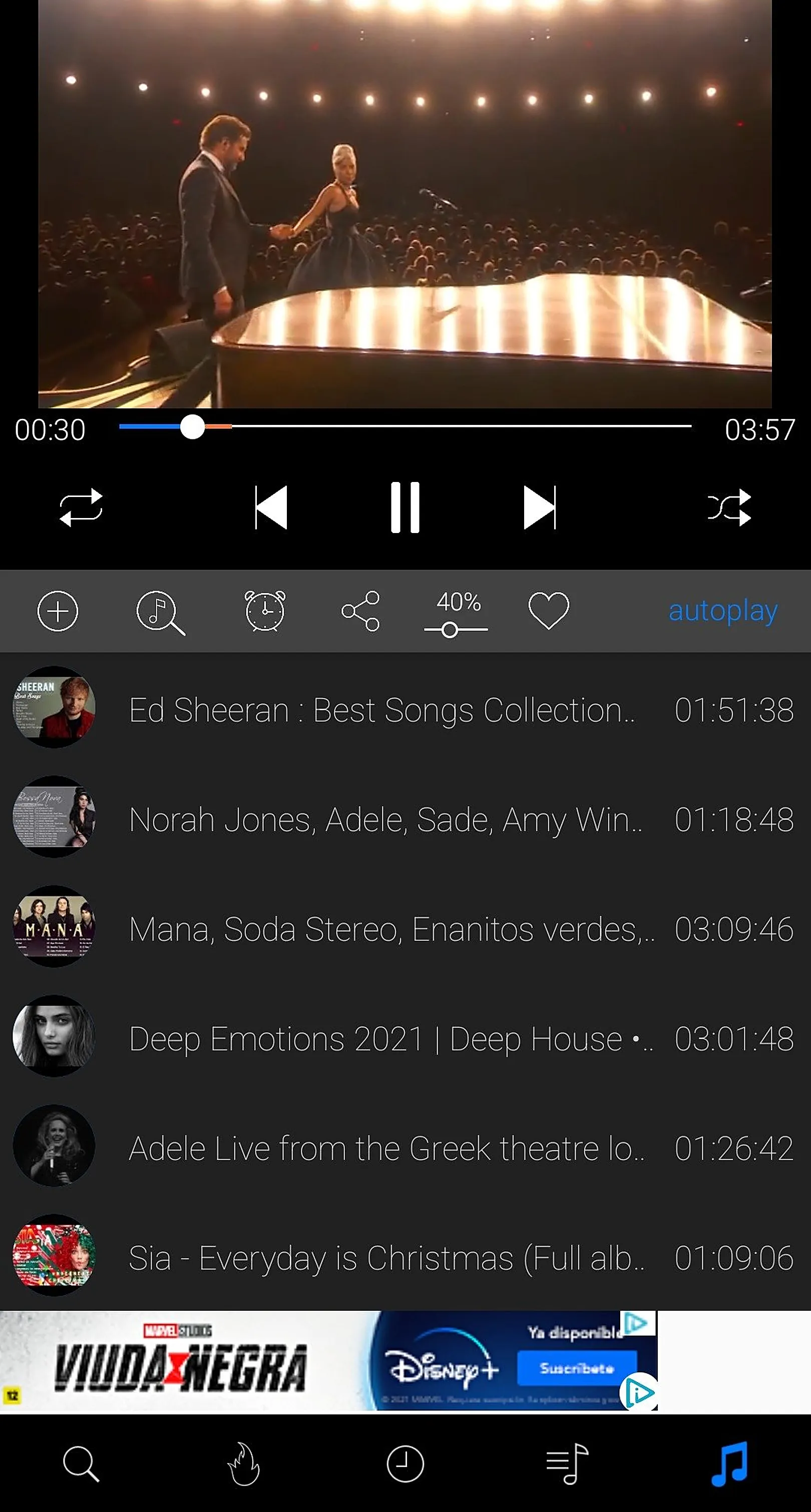
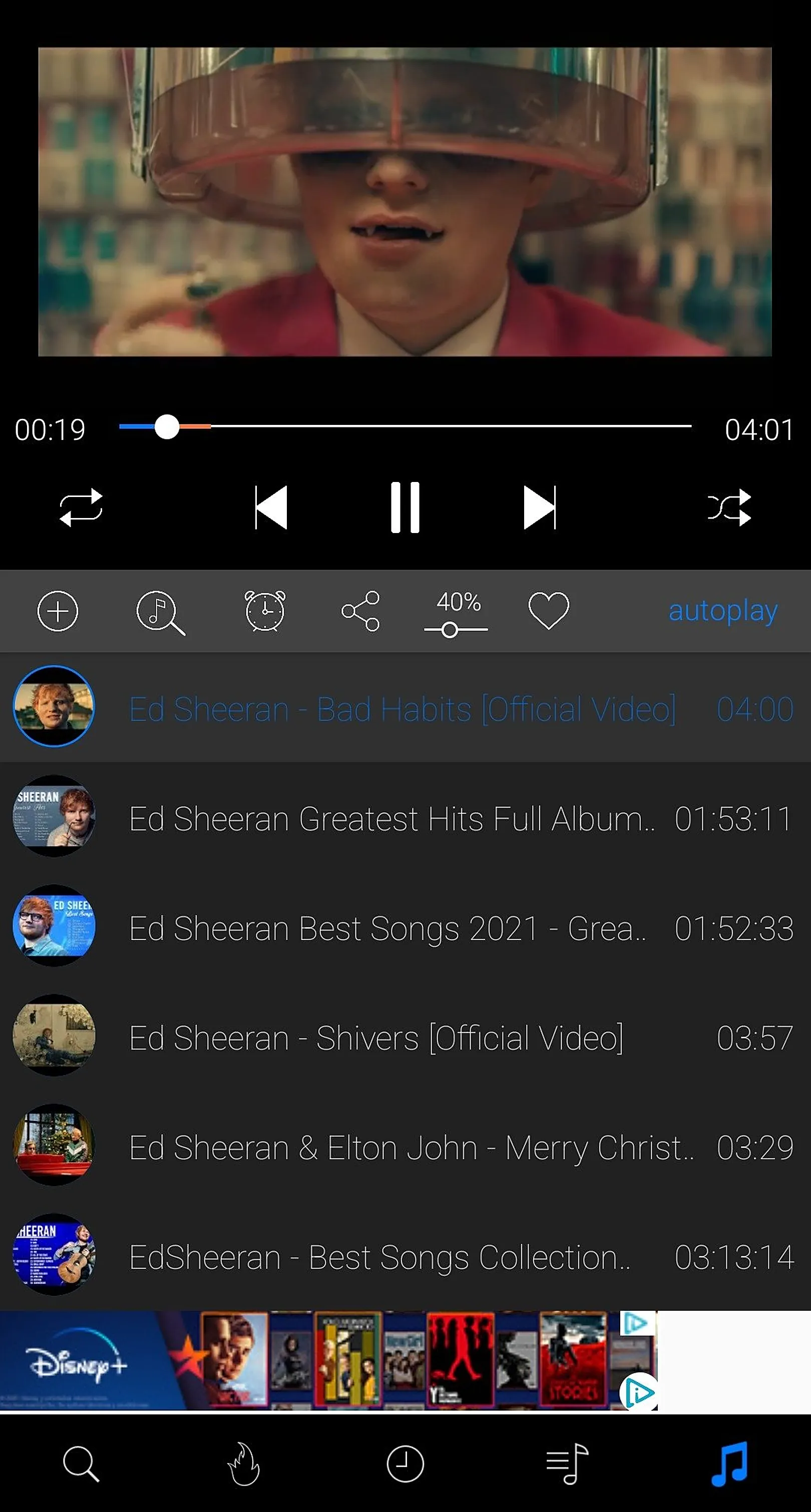
Keep audio playing with the screen off or while using other apps. Control playback from the lock screen and the notification shade.
MP3 and M4A audio extraction
Turn music videos, podcasts and lectures into audio files you can play anywhere.
No ads before videos
Start watching straight away without pre-roll ads interrupting you.
Works without internet
Downloaded media plays offline: flights, subways, road trips and low-signal areas.
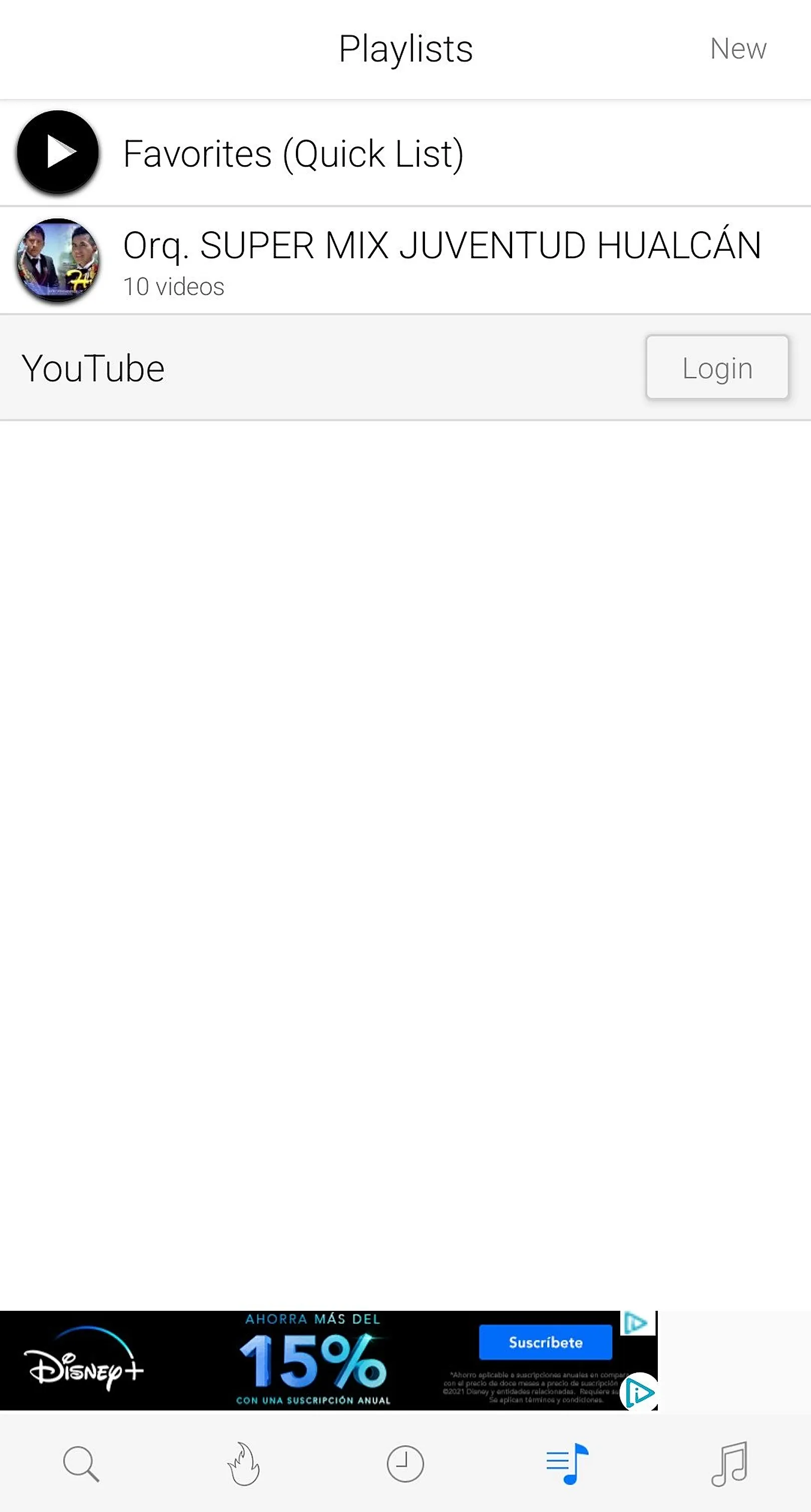
Offline library & playlists
Sort your downloads, group them into playlists and delete what you no longer need.
Saves data and battery
Download on Wi-Fi once instead of streaming repeatedly on mobile data.
Privacy guaranteed
No private data collected, and no push or notification ads.
Offline viewing and personal media management
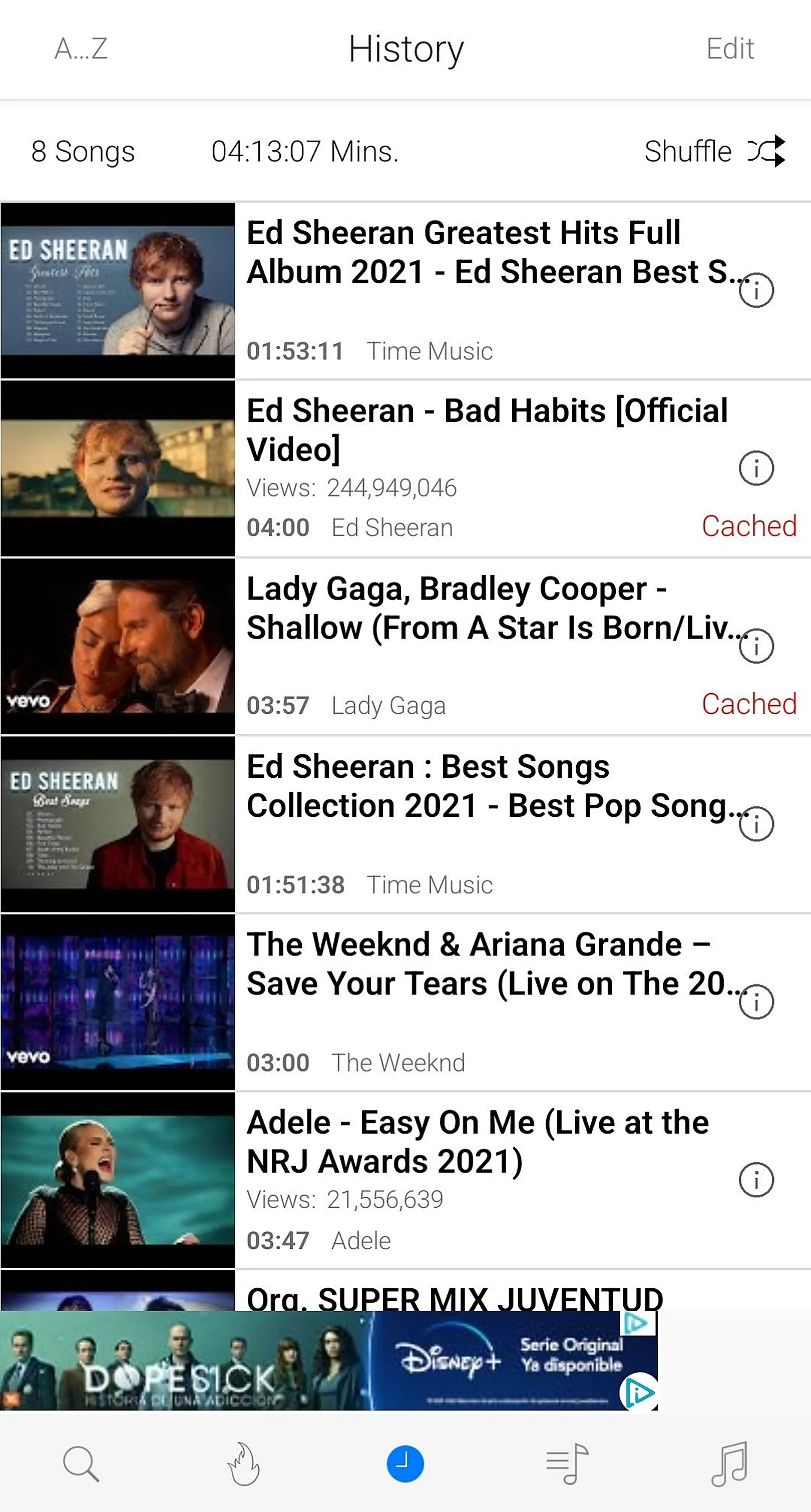
Downloaded videos and songs live in an in-app library. You can sort items, create playlists for different moods or topics and delete files when you need space.
Background player and audio-first listening
Lock-screen controls, a notification player and audio-only playback make iTube a handy music player. Extract MP3 or M4A audio from a video to listen offline.
iTube vs paid background-play subscriptions
Paid plans unlock background play but not every user wants a monthly fee. iTube provides background playback and offline saving for free. Compare for yourself on the download page.
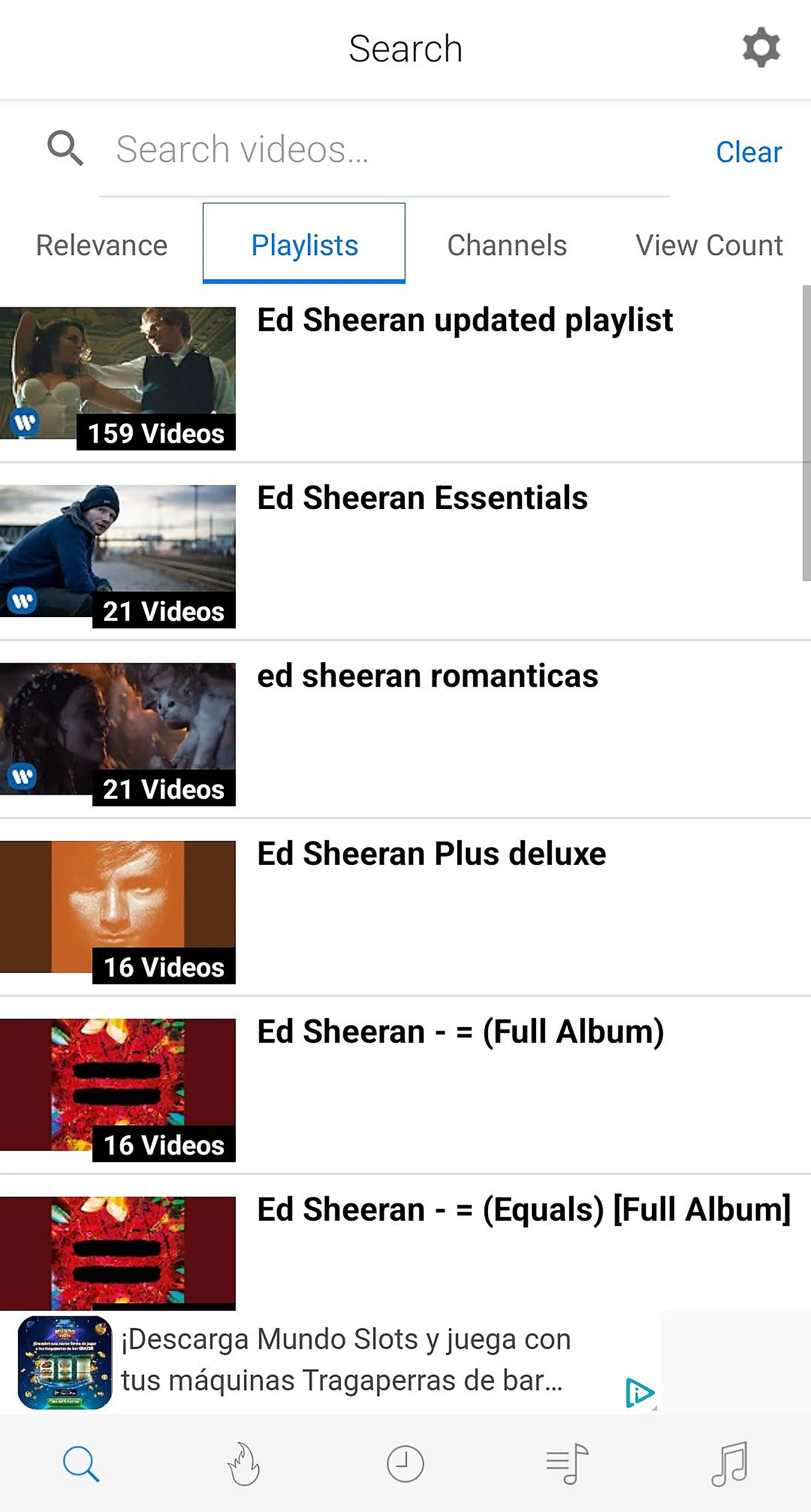
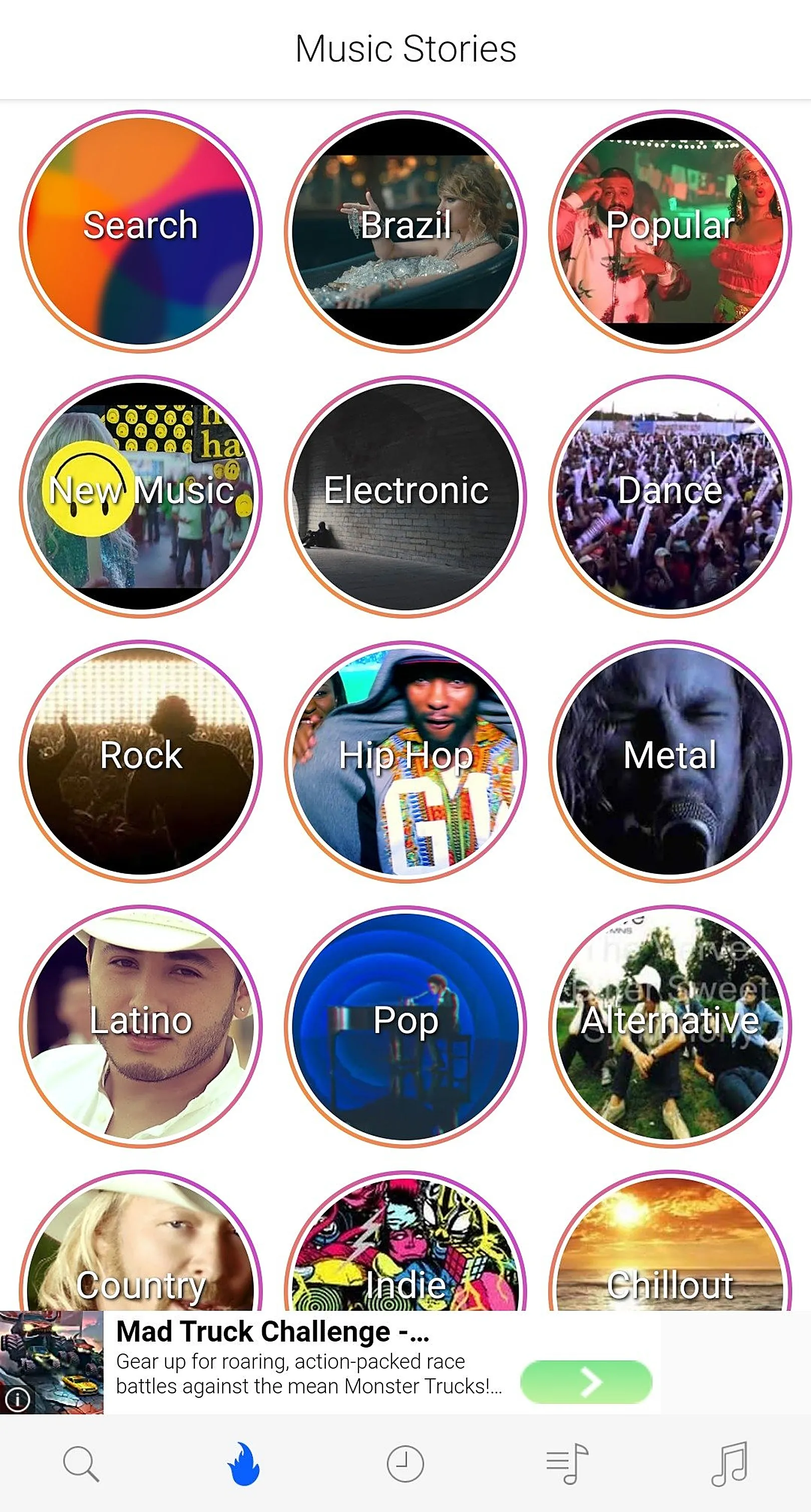
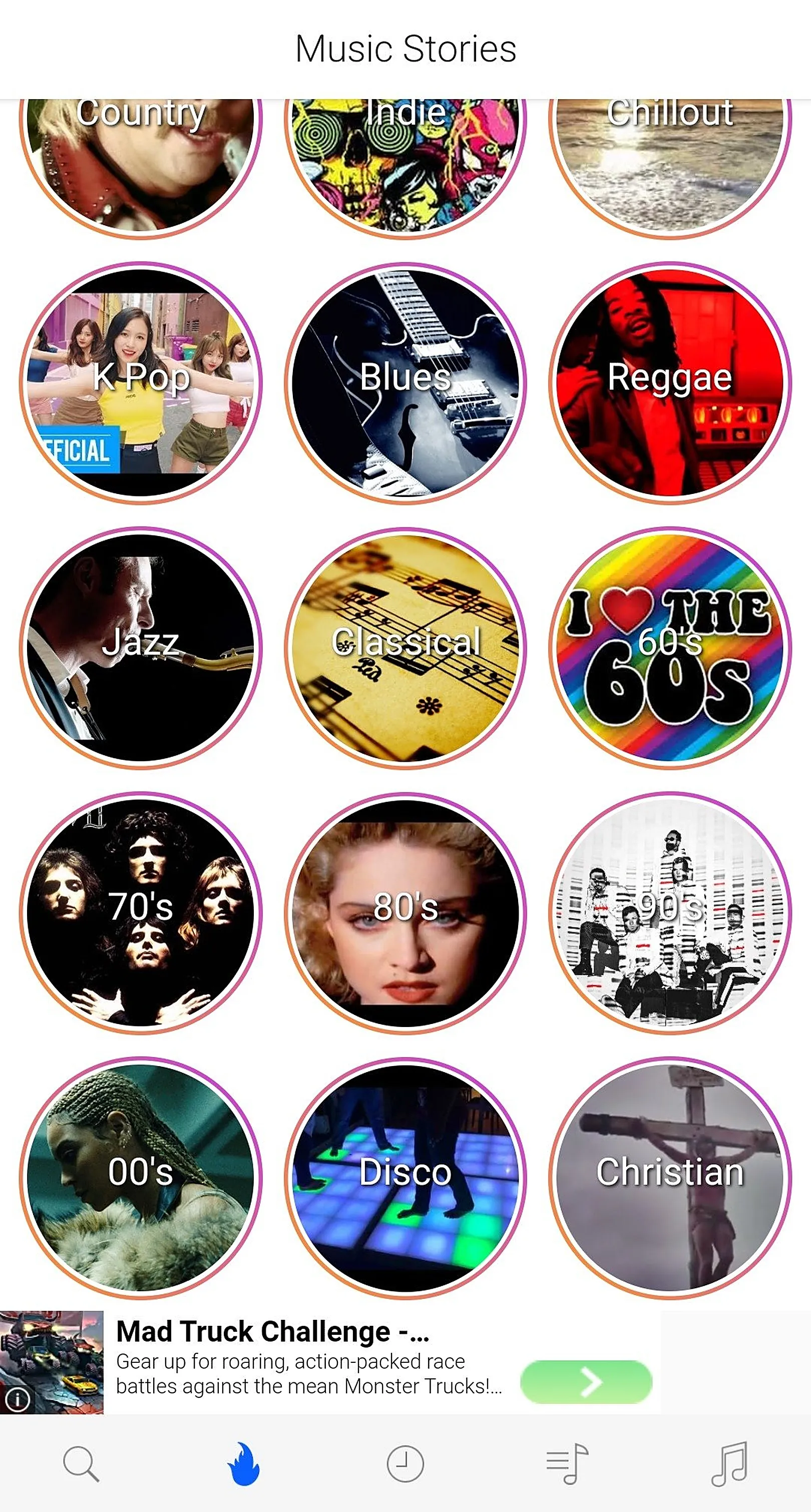
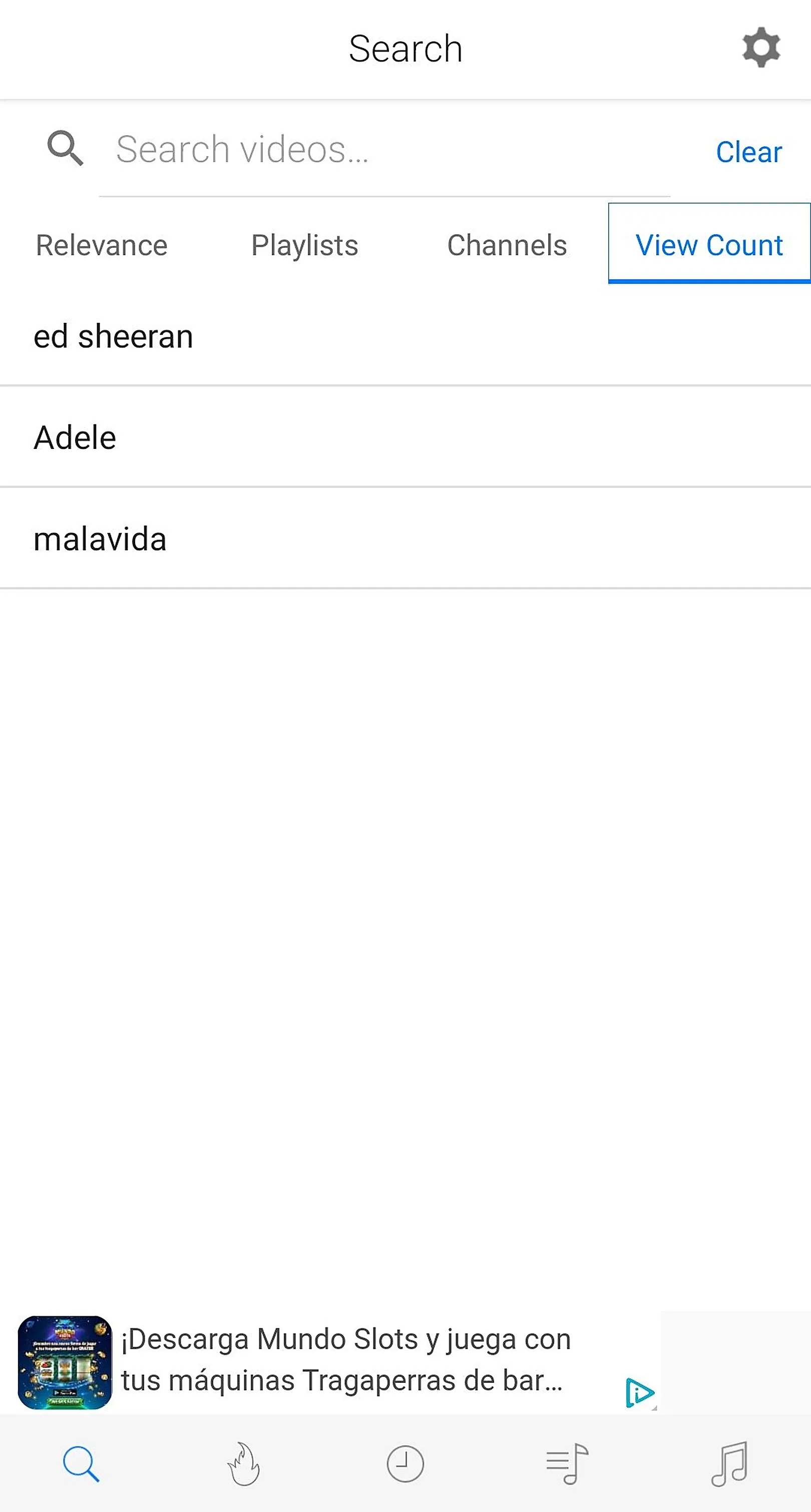
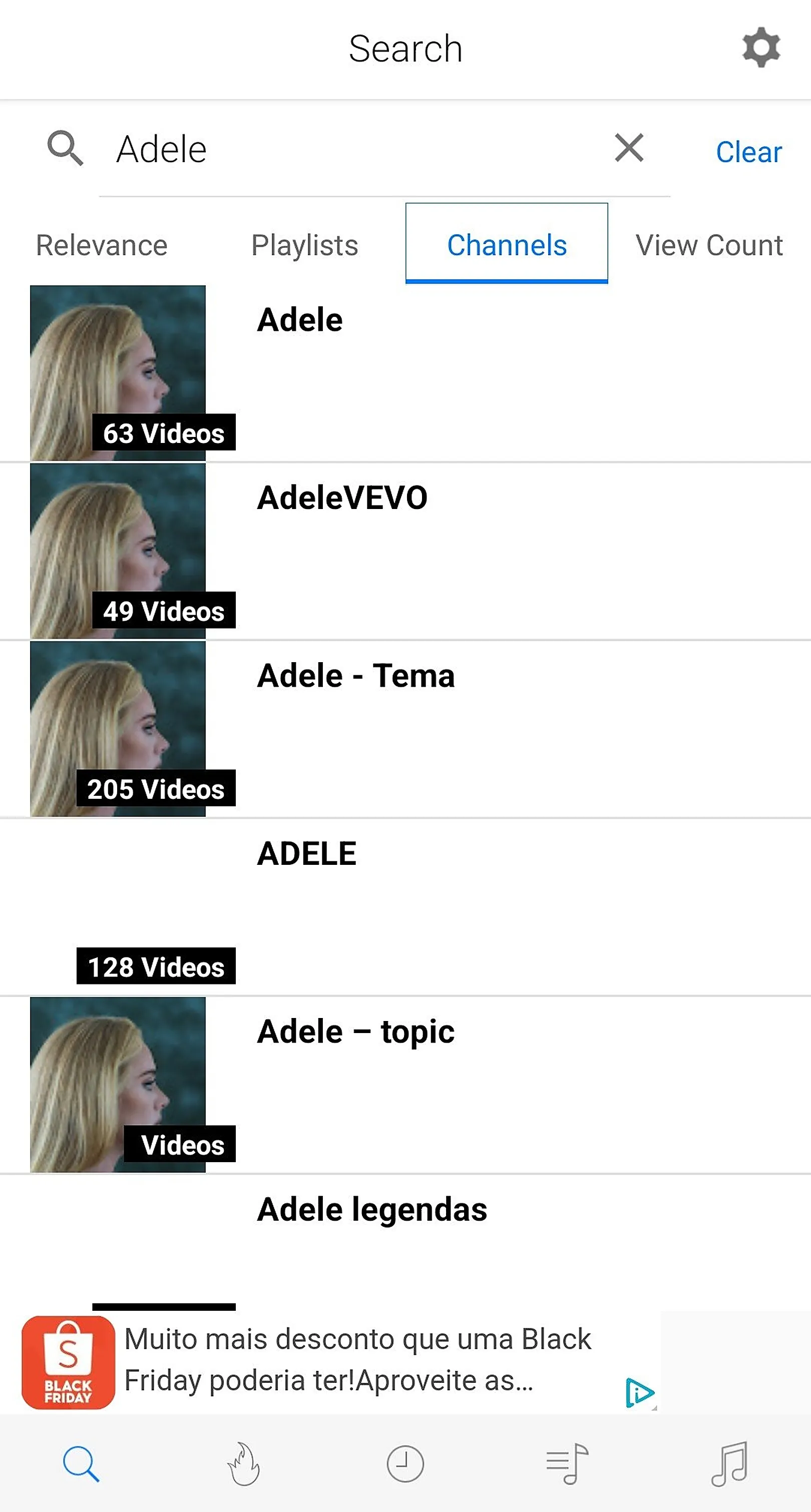
iTube screenshots
Tap any screenshot to open it in full size.
Get iTube free for Android
Download YouTube videos and music, play in the background and skip ads. Free APK, no sign-up.
Download iTube APK